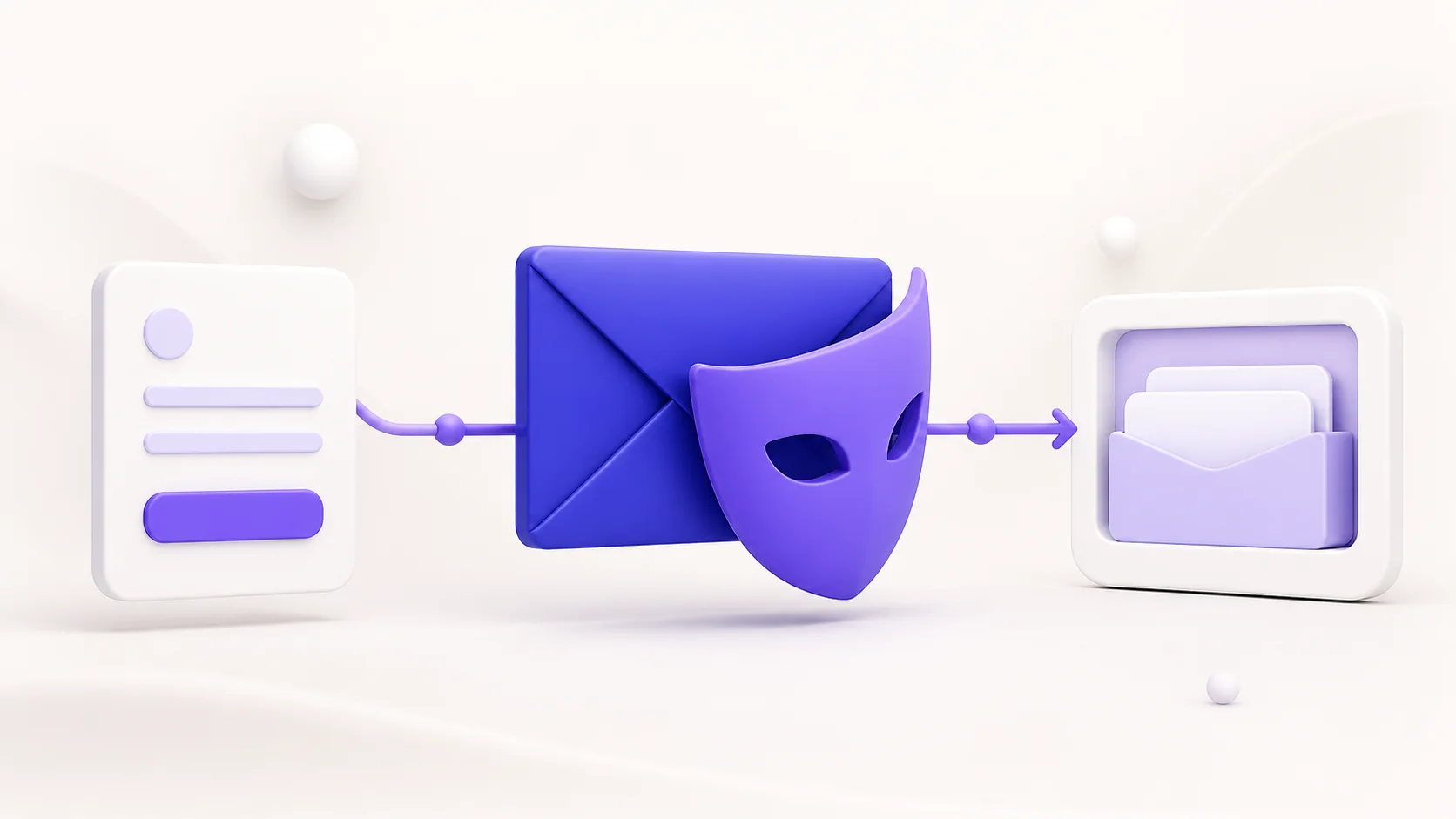
Temporary email can reduce the number of websites that know your everyday email address. That is useful for a one-time download, a short product trial, or a signup you do not expect to keep. It does not, however, make a person anonymous or impossible to identify.
The short answer: a temporary address by itself usually does not identify its user. But the website where it was used, the temporary-email provider, and other services involved in a session may have different technical records. Those records can include account details a person supplied, timestamps, browser data, cookies, network information, or payment and recovery data. Whether anyone can connect those records to a person depends on the service design, its retention practices, the legal context, and the information already available—not on the address alone.
This guide explains the privacy boundary in plain language. It is not legal advice and it is not a guide to evading investigations or platform safety controls. If the consequence of exposure would be serious, use a service designed for that level of risk and seek qualified advice.
What a temporary email address can protect
A disposable inbox primarily separates a signup from a long-lived mailbox. Instead of giving a retailer, forum, or trial product the same address you use for work, banking, or family messages, you give it a separate address. That can make later marketing, breach exposure, and account recovery clutter easier to isolate.
It can also help you answer a practical question: who shared or misused an address? When a unique address is used for one service, unexpected messages to it can be a useful signal. Read what temporary email is and how it works for the basic model and appropriate everyday uses.
That separation is meaningful, but narrow. A temporary address does not hide information that you voluntarily enter into a form. If you register with your real name, phone number, card, employer, social profile, recovery email, or a reused username, the recipient site can associate the session with those details. The address may be disposable while the rest of the signup is not.
What it does not hide
People sometimes treat “temporary” as if it meant “untraceable.” Those are different claims. A temporary address can expire or stop being useful to you; it does not erase data already collected by another website. It also does not promise that a temporary-mail provider never processes technical data needed to operate and protect its service.
- Your information submitted to a website. A form can collect whatever you type, including a real name, phone number, billing detail, or identifying account name.
- Session and security records. Sites commonly keep timestamps, authentication events, fraud-prevention signals, and request logs for reliability and abuse prevention.
- Browser and device signals. Cookies, local storage, user-agent data, language, screen characteristics, and other signals can sometimes link visits. Browser fingerprinting works by combining characteristics visible to a website; it is not limited to an email address.
- Network-level data. A site may see the network address that connects to it, often through its hosting, security, or analytics infrastructure. An IP address is not automatically a name or physical address, and it should not be treated as conclusive identity evidence.
- Cross-service links you create yourself. Logging in through an existing account, clicking a tagged link, using a familiar username, or reusing recovery details can connect otherwise separate activity.
Private or incognito browsing does not change this basic distinction. It can reduce traces stored on the local device after a session, but it does not stop a website from recording the request it receives. The Electronic Frontier Foundation's overview of tracking and fingerprinting explains why browser characteristics and cookies can still be relevant to online tracking.
Who might see which information?
It helps to separate the roles. The company whose form you complete can see the information you provide to it and the web request it receives. The temporary-email service can process the activity necessary to provide its inbox and protect it from abuse. Email infrastructure between a sender and recipient can add delivery records. These are distinct systems with distinct policies, logs, and retention periods.
For example, a store that sends a confirmation message knows that it sent a message to a particular address and knows the account data entered on its own checkout or registration page. It normally does not gain access to every message in your temporary inbox merely because it sent one email there. Conversely, an inbox provider does not automatically know the real-world reason you used an address at every website. Avoid assuming that either boundary is absolute: integrations, single sign-on, trackers, and information you submit can change the picture.
Do email headers reveal a person's IP address?
Email headers can be useful for understanding how a message travelled, but they are not a reliable identity lookup tool. Under the SMTP standard, servers add Received trace information as they accept and relay a message. Those lines can identify mail servers, dates, and routing details. The exact fields vary by sender and delivery path; webmail systems often do not expose the sender's home IP address in a way that lets a recipient identify a person.
The important distinction is between the route of an email message and the identity of the person behind it. A server name or IP can describe infrastructure. It does not, without additional records and lawful authority where applicable, prove who was at a keyboard. The SMTP specification (RFC 5321) describes the purpose of Received trace fields: recording message handling, not identifying an individual user.
For normal users, examining headers is best used to diagnose delivery problems or assess suspicious messages—not to attempt to identify somebody. If you believe a message is fraudulent, threatening, or otherwise harmful, preserve the original message and report it through the relevant provider or local authorities rather than trying to investigate the sender yourself.
Can a website connect a temporary inbox to you?
Sometimes it can, especially when the connection was created during the same visit. Consider these examples:
| Situation | What a temporary address changes | What can still link activity |
|---|---|---|
| One-time newsletter signup with no other details | It keeps your primary address out of that list. | Cookies, browser signals, network logs, and the time of the signup may still exist. |
| Trial account created with a real name and card | It may reduce future email clutter. | The merchant already has the name, payment record, account events, and any verification data. |
| Account created through Google, Apple, or another identity provider | The inbox can receive messages separately. | Single sign-on can directly associate the account with the identity-provider account. |
| Public or shared-device use | It can avoid leaving your main address in the form. | Other people with access to the browser or device may see the session or messages. |
The goal is not to create fear around ordinary privacy tools. It is to choose the right one for the job. A temporary inbox is excellent at reducing routine address exposure. It is a poor substitute for a secure, long-term account identity when you need recovery, ownership, or strong privacy assurances.
Inbox visibility and message sensitivity
Disposable-email services do not all work the same way. Some have public-style inbox patterns, some use session-based access, and some offer different expiry or access rules. Before using any provider, read its privacy notice and understand how an inbox is accessed, how long messages are retained, and whether an address can be guessed or revisited.
Do not use a temporary inbox for password resets, financial accounts, health information, government services, private documents, or anything you would not want exposed if the inbox expired or became inaccessible. For accounts you intend to keep, use a durable mailbox with strong authentication and recovery options. A password manager can create and retain unique credentials, while a durable mailbox is the safer choice for recovery and long-term account notices.
Practical privacy habits that work with temporary email
- Match the address to the purpose. Use temporary email for short-lived, low-risk signups. Use a persistent alias or primary address when you need account recovery or an ongoing relationship.
- Minimize form data. Provide only information that is necessary for the requested service. A temporary address cannot undo details entered elsewhere on the form.
- Do not reuse identifiers casually. A distinctive username, recovery phone number, or profile link can connect accounts even when their email addresses differ.
- Use unique passwords. Never rely on a disposable inbox as a replacement for account security. A password manager and multi-factor authentication, where available, are better controls.
- Check the provider's rules first. Some websites reject disposable domains for account security or require a permanent address. If a verification message is missing, use the troubleshooting steps in why a verification email may not arrive.
Temporary email, email masking, and anonymity
Temporary email, email masking, and anonymity are related but not interchangeable. A disposable inbox is usually designed for short-term receipt. An email-masking service often forwards messages while keeping your primary address private from the sender. Anonymity is a much broader property involving identity, device, network, account behavior, and the context of a specific interaction. Our comparison of email masking explains where an aliasing approach can be a better fit.
A good privacy decision starts with a specific question: “What information am I trying not to disclose to this site?” If the answer is “my everyday email address,” a temporary inbox may be enough. If the answer is “my identity, location, payment history, or device,” the problem is broader and deserves a more careful, lawful privacy plan.
Bottom line
Temporary email addresses are traceable in the limited sense that systems can retain records around their use. That is true of most online services. The address alone is not a person, and email headers alone are not a dependable way to identify one. Disposable email is most valuable as an address-separation tool: it reduces exposure of your permanent inbox, helps contain spam, and gives you a simple boundary for low-risk, short-lived signups.
Use it responsibly, avoid putting sensitive information into temporary accounts, and do not mistake privacy from spam for anonymity. For a practical overview of safer daily use, read how to protect your email from spam.
Sources and further reading
- RFC 5321: Simple Mail Transfer Protocol — SMTP trace and
Receivedfields. - Electronic Frontier Foundation: Cover Your Tracks — cookies, fingerprinting, and practical limitations.
- U.S. Federal Trade Commission: Protecting Your Privacy Online — consumer privacy guidance.
- EFF Surveillance Self-Defense: What Is Fingerprinting? — how browser characteristics can be combined for tracking.