Email masking is a way to give a website a different email address while keeping your primary address private. The masked address—also called an alias—receives messages and forwards them to the inbox you normally use. If the alias starts getting unwanted mail, many masking services let you disable or delete it without changing your primary address.
Short answer: an email mask is usually a persistent forwarding address, not a disposable inbox. It is a good choice when you want to keep receiving receipts, account alerts, or replies without revealing your primary address to every service. Temporary email is better for a genuinely one-time, low-risk task where you do not need to retain future access.
The distinction matters. Both tools can reduce the spread of your everyday address, but they have different recovery, retention, and privacy trade-offs. Choosing the wrong one can leave you unable to reset a password or find an important message later.
How email masking works
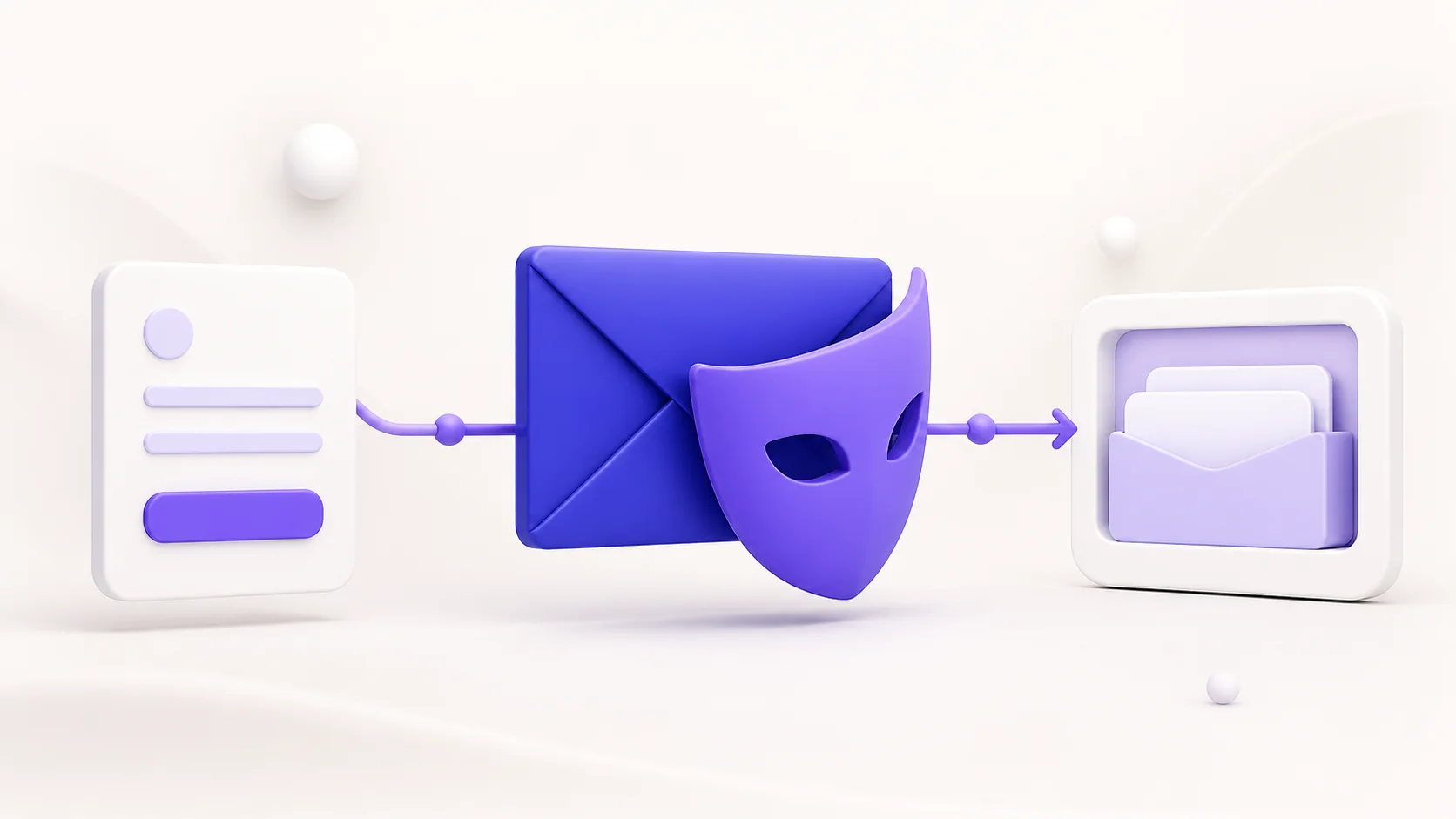
A masking provider creates a unique alias for a particular website, app, or contact. When that sender emails the alias, the masking service forwards the message to your real mailbox. The sender sees the alias, while your primary address stays hidden from that sender.
- Create a mask. The masking service generates an alias, sometimes through a browser, password manager, or account dashboard.
- Use the mask in a signup or form. The website stores the alias instead of your primary email address.
- Receive forwarded messages. The masking provider passes messages from the alias to the inbox you control.
- Manage the alias over time. You can often label it, pause forwarding, or remove it if it begins receiving unwanted mail.
For example, Mozilla describes Firefox Relay masks as forwarding addresses that keep a real email address private, while Apple describes Hide My Email addresses as unique random addresses that forward to a personal inbox. The exact features, reply behavior, attachment support, account requirements, and retention rules differ by provider, so read the service documentation before using an alias for anything important.
Email masking versus temporary email
| Question | Email masking / alias | Temporary email |
|---|---|---|
| Where do messages go? | They are forwarded to a permanent inbox you control. | They appear in a short-lived inbox or active browser session. |
| Is future access expected? | Usually yes, as long as the alias and primary mailbox remain active. | No. Access may end after a timer, retention window, or session. |
| Best use | Ongoing accounts, receipts, newsletters, and services where you may need messages later. | Legitimate one-time, low-risk confirmations or short evaluations. |
| Can you stop unwanted mail? | Often by disabling the specific alias without exposing the primary address. | You normally stop relying on the temporary inbox after the task. |
| Does it make you anonymous? | No. It hides the primary address from that sender but does not erase other account or session data. | No. It separates an address for a short task but does not make the interaction anonymous. |
Use temporary email when a message is needed once and there is no reason to preserve access. Use masking when you want a stable communication route without sharing the primary inbox. Our guide to temporary email explains the short-lived model in more detail.
When email masking is the better choice
An alias is useful when you need an account to remain reachable but want to limit who sees your main address. Examples include:
- Shopping accounts that may send receipts, delivery updates, or return information.
- Newsletters and services you may keep but want to identify as a separate source of mail.
- Subscriptions where you need a future login or password reset.
- Community accounts, product accounts, or support conversations that can continue over time.
- Separating different categories of mail without maintaining multiple full mailboxes.
One useful habit is to use a distinct alias per service or category, when the provider supports it. If an alias begins receiving unexpected marketing or a suspicious message, you can see which signup likely exposed it and can disable that alias without changing your everyday address.
When a temporary inbox is the better choice
Choose a temporary inbox when the task is short, low risk, and does not require future account access. A one-time download, an optional demo, or a brief signup test can fit this model if the receiving website permits it. The objective is address separation for a small interaction, not a long-lived account relationship.
MailsDrop is designed for that short-lived use. Its Privacy Policy describes session-based, in-memory inbox delivery instead of a permanent mailbox archive. Keep the session open while waiting for the expected message, then do not depend on the inbox for recovery or record keeping.
See how to create a temporary email address safely for a step-by-step workflow, and how long temporary emails last for the access and retention limits.
What email masking does not protect
An email mask prevents a particular sender from seeing your primary email address. It does not stop that sender from collecting other information that you submit, such as a name, phone number, payment detail, shipping address, account activity, cookies, or browser data. It also does not guarantee that an alias provider is the right security model for every situation.
Do not treat a mask as a substitute for strong credentials, multi-factor authentication, or good account recovery practices. Do not use an alias to evade a website's rules or misrepresent your identity. For high-stakes accounts—banking, healthcare, work, government services, legal matters, and important purchases—use the contact method and account protections appropriate to that relationship.
For the broader limits of address privacy, read what an email address can and cannot hide.
How to use email masks well
- Choose a provider you can access long term. The forwarding address is only useful while its provider account and your destination inbox remain available.
- Use a unique alias when possible. A separate alias per service makes it easier to identify the source of unexpected mail.
- Label aliases by purpose. Names such as “shopping,” “newsletters,” or a service name make later management simpler.
- Review forwarding rules. Understand whether replies, attachments, and security messages are supported before relying on an alias for an account.
- Disable rather than ignore a noisy alias. When the provider supports it, stopping forwarding is cleaner than leaving unwanted mail to accumulate in the primary inbox.
- Keep important recovery methods current. An alias helps with privacy, but your account still needs a reliable path for recovery and security alerts.
Masking, spam, and data-breach exposure
A mask can limit where your primary address appears, which can make inbox organization and source attribution easier. If a service shares, leaks, or sells an alias, unwanted messages may reach that alias rather than the mailbox address you use everywhere. Disabling the mask can stop future forwarding from it, depending on the provider.
That is a helpful boundary, not a guarantee that messages will never be sent or that other personal data is protected. Combine aliases with good sign-up habits, spam filters, unique passwords, and caution around links. Our guide to protecting your email from spam covers the broader set of controls.
Frequently asked questions
Is an email mask the same as an email alias?
Often, yes. Both terms commonly describe an alternate address that forwards messages to a primary inbox. Providers may use different names and offer different features, so check their documentation.
Can I reply from a masked address?
It depends on the provider and plan. Some services support replies through a protected relay; others only forward incoming mail. Check before you use a mask for a conversation that requires a response.
Can I use email masking for a password reset?
Potentially, if the mask forwards reliably to a permanent mailbox you control and you intend to keep it active. A temporary inbox is not appropriate for password recovery.
Does masking stop all spam?
No. It can make spam easier to isolate and stop for a specific alias, but it does not eliminate phishing, unwanted messages, or other risks. Continue to verify unexpected senders and links.
Is email masking more private than temporary email?
They provide different kinds of privacy. A mask supports a longer-term relationship while hiding the primary address from a sender. Temporary email provides short-lived address separation. Neither is a blanket promise of anonymity.
Bottom line
Email masking gives you a durable, manageable layer between a website and your primary inbox. It is the better option when you want to receive future messages without revealing the address you use every day. Temporary email is the better option for a legitimate, low-risk task that ends quickly and does not require recovery or record keeping.
Choose the tool based on how long the relationship will last, keep strong account-security practices in place, and do not confuse an alternate address with anonymity.
Sources and further reading
- Mozilla Support: Firefox Relay email masks — an example of masks forwarding mail while protecting a real address.
- Apple Support: Hide My Email — an example of unique forwarding addresses for account sign-in.
- MailsDrop Privacy Policy — current description of the MailsDrop temporary-inbox model.