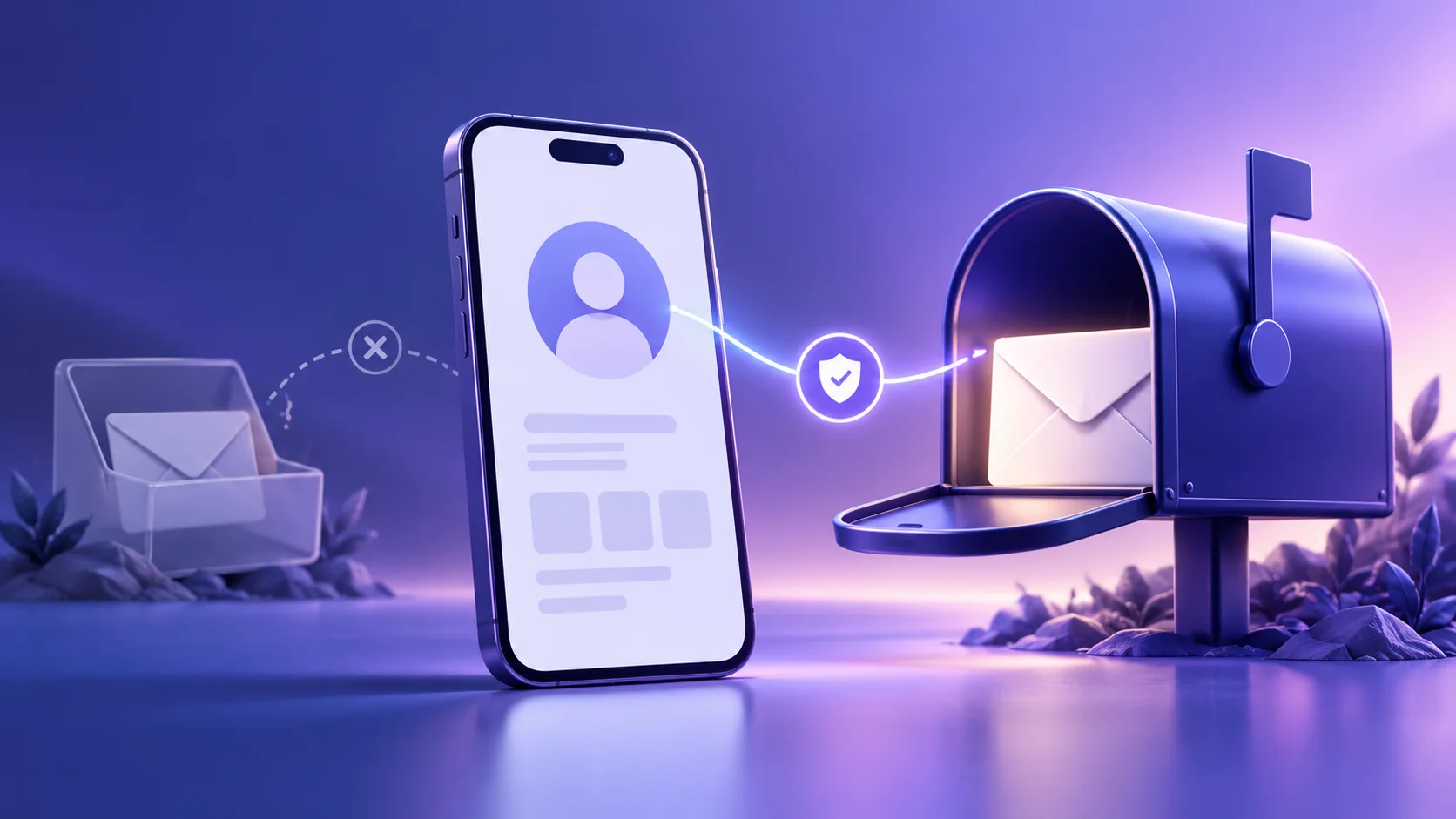
A temporary inbox may receive a first Instagram confirmation message if the current signup flow accepts its address. That only answers whether one message arrived. It does not answer the more important question: can you still reach that inbox when you need to secure or recover the account later? If the account matters to you, use an email address you control for the long term, or a durable alias that forwards to one.
This distinction is easy to miss when signup takes a minute. A social account can become personal, professional, or both over time. You might add friends, publish work, build an audience, connect other services, or use the account to contact customers. The email address then becomes part of your account’s continuity plan, not just a place to receive a one-time code.
Could you use one at all?
There is no universal guarantee that Instagram will accept a disposable address. Signup and verification options can vary, and a platform may decline an address or ask for another way to verify. Do not treat an address that happens to pass an initial form as permission to work around a platform rule. If the service rejects it, use an accepted address or choose not to create the account. Avoid cycling through domains or making extra accounts to get around a restriction.
Even when an address is accepted, receipt of the first message is not proof that the mailbox is suitable for future security notices. The difference is between can receive this message now and can reliably receive messages for as long as this account exists. A temporary inbox is designed for a narrow, short-lived task. An Instagram profile can outlast the browser session or inbox that helped create it.
Why recovery changes the answer
Email is one of the contact routes a platform may use for account changes, sign-in assistance, and security communication. Instagram’s Help Center advises people who lose access to a signup email to try to regain that mailbox or update their contact details while they can still access the account; in some circumstances, losing the email and having no linked account can prevent recovery. The exact options available depend on the account and the current recovery flow, so check Instagram’s own Help Center for the latest instructions.
With a short-lived inbox, the risk is not just that you might miss a newsletter. You may lose the route needed to prove you control the account. A later password reset, suspicious-login notice, or account-change confirmation could arrive after you have closed the session or the address is no longer available. You might still have another sign-in option, but do not assume that one will always be enough.
For that reason, a temporary email is a poor default for a personal, creator, or business profile you intend to keep. The same goes for an account tied to advertising, customer conversations, public work, or another service. If losing access would be more than a minor inconvenience, the signup mailbox should remain under your control.
Match the address to the account’s future
Think about the account you expect to have in six months, not only the form in front of you today. If you are merely checking a public profile and do not need an account, do not create one just to browse. If you are creating an account that you plan to use, decide how you would regain access before you start.
- Personal account: use a mailbox you keep and secure. Friends, photos, messages, and identity details can make an account valuable even if it began casually.
- Creator or business presence: choose a durable address monitored by the person or team responsible for the account. A shared or role-based address may be more appropriate if the organization controls it, but make sure ownership and recovery responsibilities are clear.
- Short-lived experiment: if the account is genuinely disposable, contains no personal or business information, and the platform permits the address, understand that you may lose the profile along with the inbox. Do not use another person’s identity or create duplicate accounts to repeat an offer or bypass a limit.
These are not guarantees about Instagram’s eligibility rules. They are a way to weigh the consequence of losing email access against the privacy benefit you want. For more on that basic trade-off, see when temporary email is and is not a safe choice.
If your goal is to keep your main address private
A separate address does not have to be temporary. A durable alias or email-masking service can give a service a different address while forwarding messages to a mailbox you continue to control. That can separate signups and reduce routine exposure of your primary address without sacrificing a path for future notices. Forwarding behavior depends on the alias provider, so understand how you can reply, recover the alias, and keep it active.
Read what email masking does and how it differs from a temporary inbox before choosing between the two. The short version: a temporary inbox is for a brief, low-stakes interaction; a durable alias is designed to preserve a continuing relationship while keeping your everyday address less exposed. Neither option makes an account anonymous or replaces a strong password and other available security protections.
You can also create a separate permanent mailbox just for social accounts. Keep it secured with a unique password, recovery options you can actually access, and multi-factor authentication where available. Check it often enough to notice account alerts. A separate mailbox offers some organization and address separation while remaining recoverable.
Already registered with a temporary address?
If you can still sign in, review the account’s contact information now rather than waiting until you are locked out. Change the email to an address you control, complete any confirmation the platform requires, and check that the new contact detail is saved. Do this only through Instagram’s official app or website—not through a link in an unexpected message. If you cannot sign in, follow the current official recovery guidance; no outside article or inbox provider can guarantee account restoration.
After updating the email, review the account’s security settings and make sure other recovery methods are current. Store backup codes securely if the platform offers them. Do not put recovery codes, passwords, or identity documents into a temporary inbox, and do not assume that adding a phone number eliminates the need for an email address you can access.
Keep in mind that changing the account email does not necessarily remove an address from every message already sent, nor does it alter information the platform has retained under its own policies. It fixes the forward-looking contact problem; it is not a privacy reset.
Privacy is not the same as anonymity
Using a separate email can reduce how often one address is shared across services. It does not hide your activity from the platform, conceal other account details, or make a false identity legitimate. A social service may process information beyond email, and its policies and account controls still apply. Use an address boundary for ordinary privacy and inbox organization, not to evade verification, impersonate someone, avoid enforcement, or operate accounts in ways the service disallows.
If a temporary address is rejected, that result is enough to choose another permitted option; it is not an invitation to probe the service’s filters. Our guide on why websites block temporary addresses explains common trade-offs without treating a block as something to defeat.
A quick decision before you sign up
Ask yourself three questions. Would I care if I lost access to this profile? Might I use it for messages, work, or a public presence later? Can I still receive account notices if this temporary inbox disappears? If the first two answers are yes or the last is no, do not use a temporary email address.
For a more detailed look at the difference between a temporary address, an active inbox session, and future access, read how long temporary emails last. The practical rule is simple: use a mailbox you can recover for an account you want to keep. If address separation matters, choose a durable alias rather than a disposable inbox.