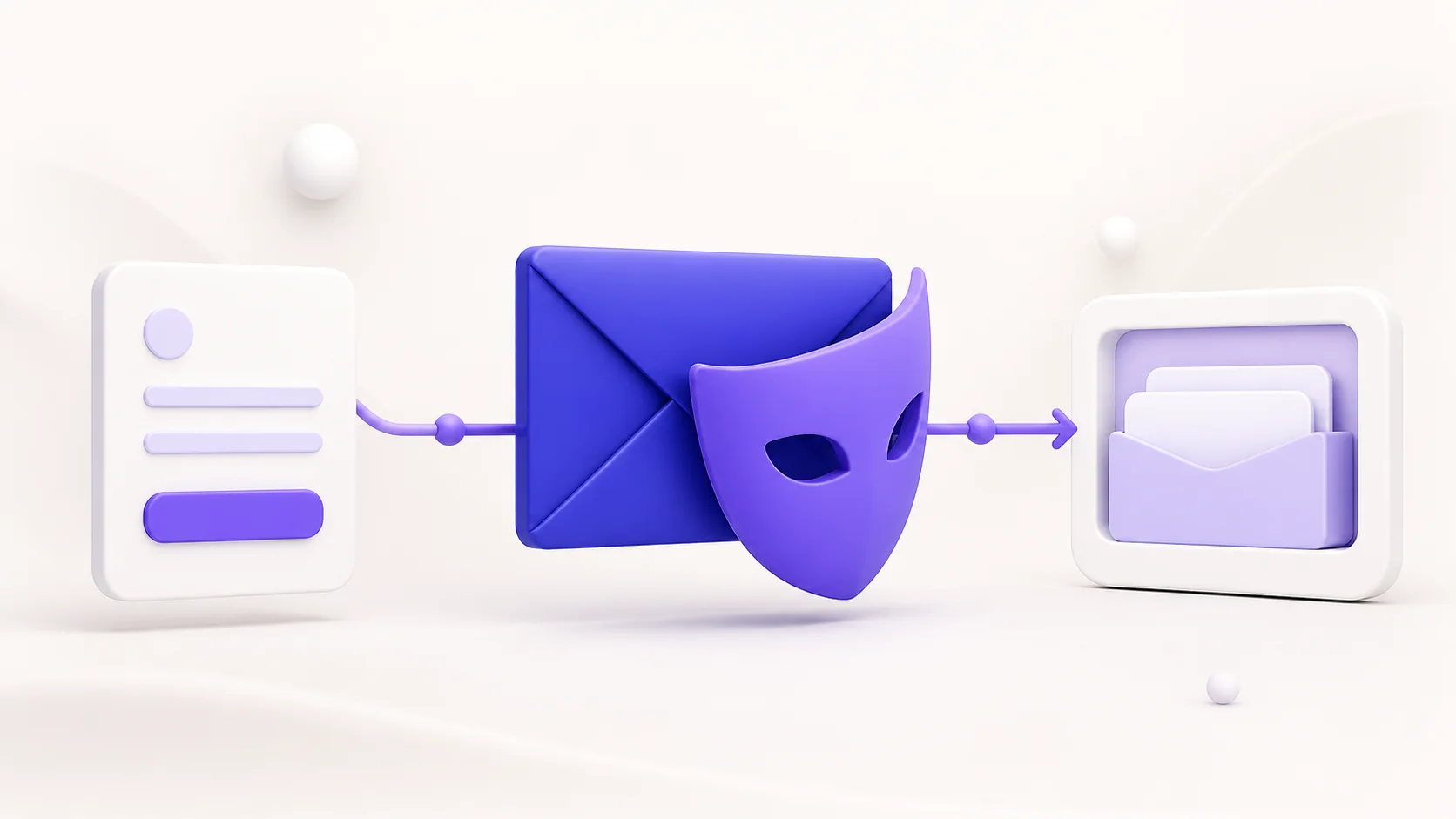
Gmail is not a disposable temporary email domain. A Gmail address is normally a long-term mailbox connected to a Google account, while a disposable email address is designed for short-term use and is usually discarded after a signup, verification, or download.
The two can both help you manage online privacy, but they solve different problems. Understanding the difference helps you choose an email address that fits the account you are creating and avoids losing access to something important later.
What makes an email address disposable?
A disposable email address is a short-lived, receive-only inbox used instead of your personal mailbox. It is useful when a website needs an email address for a one-time verification link, a download, a trial, or a low-trust signup.
Temporary inboxes are intended to reduce spam and keep your main address away from marketing lists. They often expire after a session or a defined retention period. Because they are temporary, they are not a good choice for accounts involving payments, identity, work, legal records, account recovery, or anything you may need to access later.
Why Gmail is different
A normal Gmail address is a permanent email account. It can receive and send messages, store mail, recover accounts, use Google services, and remain active for years. Websites generally treat it as a conventional personal email address rather than a disposable one.
That makes Gmail appropriate for important accounts, including banking, subscriptions you expect to keep, school or work services, travel bookings, and accounts where password recovery matters. It also means that newsletters, promotions, and unwanted follow-up messages can reach the inbox you use every day.
What about Gmail aliases?
Gmail supports plus addressing for many accounts. For example, if your address is name@gmail.com, you may be able to use name+shopping@gmail.com when a form asks for an email address. Messages still arrive in the same Gmail inbox, but the variation can help you create filters and identify where an address may have been shared.
A Gmail alias is not disposable email. It does not create a separate temporary inbox, it does not expire, and it still points to your real account. It can be useful for organizing newsletters, but it does not provide the same separation as a temporary email address.
When to use a temporary inbox instead
Use a temporary inbox when you only need to receive a message once and do not expect to maintain the account. Common examples include testing a signup flow, downloading a free resource, joining a low-priority forum, or receiving a one-time confirmation from a service you do not plan to use again.
- Use it for a quick verification or one-off download.
- Use it for testing your own product email flow.
- Use it when you want to keep marketing messages away from your primary inbox.
- Do not use it for banking, payments, government services, medical accounts, work accounts, or long-term subscriptions.
Some websites block known disposable email domains. That is a decision made by the website, and a temporary inbox should never be used to bypass a service’s rules or security controls. If an account is important, use a permanent email address that you control.
Temporary email vs Gmail: a practical comparison
- Account lifespan: Gmail is intended for long-term use; temporary inboxes are short-lived.
- Sending mail: Gmail can send and receive; MailsDrop is receive-only.
- Account recovery: Gmail supports recovery options; temporary inboxes should not be relied on for recovery.
- Privacy from signup forms: A temporary inbox keeps your primary address off the form; a Gmail alias still routes to your main inbox.
- Best use: Gmail is for important and ongoing accounts; a temporary inbox is for short-lived, low-risk tasks.
Is Gmail ever treated as a temporary email provider?
Gmail itself is not normally considered a disposable email provider. A website may still reject an email address for its own reasons, such as a typo, a security policy, an account restriction, or a blocked domain pattern. That does not make Gmail temporary or disposable.
There are also third-party services that create aliases and forward messages to Gmail. Those services are different from Gmail itself. Their privacy and retention rules depend on the provider, so review them before using an alias for anything important.
How to choose the safer option
Ask one simple question: will you need this account again in a month, a year, or after a password reset? If the answer is yes, use a permanent email address that you control. If the answer is no and you only need a short-lived verification or download, a temporary inbox can help keep your main address cleaner.
Regardless of which option you choose, use a unique password for each important account and enable multi-factor authentication where it is available. A temporary email address can reduce unwanted mail, but it is not a substitute for account security.
Bottom line
Gmail is not a disposable temporary email domain. Gmail is a long-term personal email service, while temporary email is built for short-lived, low-risk situations. Use Gmail for accounts you need to keep and recover. Use a temporary inbox only when you need a separate address for a one-time task and understand that access may not last.
Open a temporary MailsDrop inbox when you need an instant, receive-only address for an appropriate short-term use case.