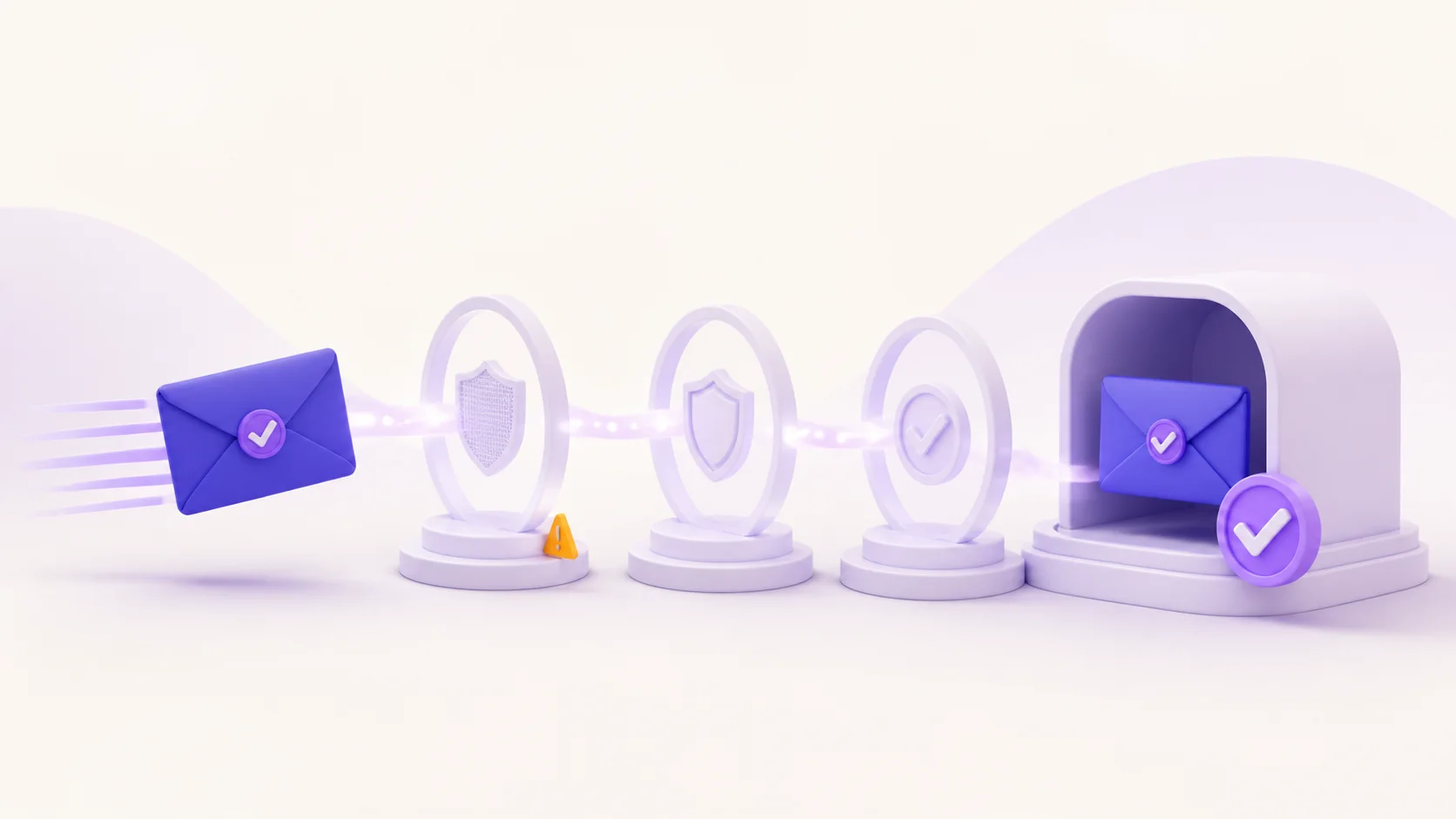
Whether a temporary email address can receive an attachment depends on the email provider, the sender, and the service’s current limits. Some temporary inboxes show messages with files, some show only part of a message, and others block or remove attachments entirely. Even when a file appears, a temporary inbox is not a safe archive or a reason to trust the file automatically.
Short answer: treat attachment support as provider-specific and temporary. Before you expect to receive a file, check the provider’s current documentation, keep the inbox session open, and make sure the message is genuinely expected. Use a durable mailbox you control for documents, records, receipts, recovery information, private files, or anything you may need later.
Why the answer is not the same for every temporary inbox
Email attachment handling is a product decision, not a defining feature of every disposable address. A provider can set limits on file type, file size, retention, previewing, downloading, or message storage. An outside sender can also reject an address, delay a message, or send a download link instead of a file. For that reason, the fact that one temporary-email service accepted an attachment once does not predict what another service will do next time.
Start with the broader model in what temporary email is and when it is appropriate. A temporary inbox is designed for a short-lived, low-risk interaction. It is useful when a sender permits it and you need a message briefly; it is not a permanent mailbox, file locker, or replacement for an account you can recover.
What can happen to an attachment in a temporary inbox
An attachment is a file sent with an email message. The file might be an invoice, a calendar invite, a document, a photo, a spreadsheet, or something unexpected. In a short-lived inbox, the message and any file-related access can be affected by more than the sender’s original message. The inbox may expire, a session may end, browser data may be cleared, or the service may limit the way it displays non-text content.
| Question | Why it matters | Safe response |
|---|---|---|
| Does this provider support attachments? | Support varies by service and can change. | Check the provider’s current product information before relying on a file. |
| Will the file still be available later? | A temporary inbox can expire or lose session access. | Use a durable mailbox for anything you must keep. |
| Is the attachment expected? | Unexpected files are a common phishing and malware risk. | Verify the sender and context before opening anything. |
| Does the message include sensitive information? | Temporary inboxes are unsuitable for confidential records. | Ask for a secure, approved delivery method or use a permanent mailbox. |
For MailsDrop’s standard temporary-inbox boundary, read the temporary inbox session lifecycle note. It explains why a session-based inbox should not be treated as a permanent message archive. This guide does not promise attachment support, retention, file scanning, or file recovery for any particular provider or plan.
When a temporary inbox may be reasonable
A temporary address can be a reasonable option only when the interaction is permitted, short-lived, and low risk. For example, you might receive a simple confirmation message for an authorized test, a public low-stakes download notice, or a non-sensitive message you do not need after the immediate task. The important part is not the file extension; it is the consequence of losing access or opening a harmful file.
If losing the message would be inconvenient, expensive, unsafe, or difficult to reverse, choose a mailbox you control over time. That includes invoices, tickets, tax documents, contracts, identity documents, medical information, work files, private photos, financial information, and password-recovery messages. A file can be harmless in format yet still become a problem if it is the only copy you can access.
Do not use a temporary inbox as file storage
Temporary email is not cloud storage. The address may be available only for a limited session or retention period, and the exact experience can depend on browser state and service policy. Saving an important attachment in a folder inside a temporary mailbox is not the same as saving it to a durable, access-controlled location. A message that appears today may not be available when you need it tomorrow.
If a legitimate sender must provide a record, use the sender’s approved account area, a permanent mailbox, or another secure method the sender supports. Do not forward private files into a temporary address merely to avoid using your normal inbox. The privacy benefit of separating an address does not outweigh the risk of losing a confidential record or exposing it in the wrong place.
How to assess an attachment before opening it
An attachment should be judged by its context, not just its name. A message can look polished while still being fraudulent, and a file name can be made to resemble a familiar document. A temporary address may reduce how widely you share a primary email address, but it does not prove that a sender is legitimate, that a link is safe, or that a file has been checked by anyone.
- Expect the message first. Ask whether you requested this file from this sender at this time. A surprise attachment is a reason to pause.
- Check the sender carefully. Compare the address and domain with a trusted source, not only the visible display name. If you have a known contact method, use it to confirm an unexpected file.
- Read the message for context. A legitimate sender can explain what the file is, why it was sent, and what you should do with it. Generic pressure, urgency, or a mismatched topic are warning signs.
- Prefer an official account portal for important documents. For a bank, employer, delivery service, school, or government organization, sign in through the official site or application rather than relying on an email attachment.
- Do not enter credentials after following an attachment or link. If an account requires attention, open it using a saved bookmark or known address and check for the same notice there.
These steps are intentionally conservative. They do not turn a temporary inbox into a security product, and they do not replace device protection or an organization’s security policies. They simply reduce the chance that a short-lived, unexpected message becomes the path to a risky action.
Attachments, links, and verification messages are different
A verification email often contains a link or code rather than a file. That can still be sensitive: a code may let someone finish a signup, and a verification link may expire. If you have received a verification email in a temporary inbox, confirm that it matches the task you just started and complete only the permitted action. Do not rely on that inbox for future account recovery.
If an expected verification email does not arrive, follow the sender’s approved resend flow and confirm the address you entered. Our guide to verification email not received separates normal delivery troubleshooting from a site that has rejected a temporary address. Do not create duplicate accounts or try to defeat a sender’s policies just because a message did not appear immediately.
Choose the right mailbox for the relationship
The most useful privacy choice depends on whether you need future access. A temporary inbox separates a low-risk, one-time interaction from a primary address. An email alias or masking service can keep the primary address private while forwarding future messages to a durable inbox. A normal mailbox is usually best for records, purchases, ongoing accounts, and anything where a password reset or support reply may matter.
See how email masking works for the difference between a forwarding alias and a temporary inbox. An alias is not automatically accepted everywhere and is not a guarantee of anonymity, but it can be the better privacy-preserving option when you must keep receiving legitimate notices over time.
Privacy limits still apply to attachments
A temporary address can separate an interaction from the inbox you use every day. It does not make the file anonymous, erase metadata, or prevent a website from processing other signals connected to an account or device. A file may contain names, document properties, location data, or other information. Do not send private documents to a short-lived address just because you want to avoid exposing a primary email address.
The practical rule remains the same: use short-lived inboxes for address separation in appropriate tasks, not as a promise of anonymity or a secure document-delivery channel.
Frequently asked questions
Can all temporary email addresses receive attachments?
No. Attachment handling differs across providers and may differ by plan, file size, message type, or current policy. Check the service’s documentation before you depend on it, and never assume a file will remain available after an inbox session ends.
Is it safe to open an attachment in a temporary inbox?
Not automatically. A temporary inbox does not establish trust in the sender or the file. Open only a file you expected from a sender you have verified, and use an official account portal for important documents whenever possible.
Can I receive invoices or tickets at a temporary address?
You should use a durable mailbox for invoices, tickets, receipts, bookings, and records you may need later. These documents can be time-sensitive and often matter after the first message is delivered.
What if a sender rejects my temporary address before sending the file?
Respect the sender’s policy and choose an accepted, durable address if the account or document matters. Read why websites block temporary email addresses for the common policy reasons and legitimate alternatives.
The bottom line
A temporary email address may receive attachments, but that possibility should never be the basis for storing or trusting a file. Check the provider’s current capabilities, keep the use case low risk, verify the sender, and avoid opening unexpected files. For any document, account, or message you need to keep, use a mailbox and storage method you control for the long term.